Why Upgrade
You already use AI every day. You've built prompts that work, wired a tool or two into your workflow, maybe shipped a first project.
And still, the reading list grows faster than the building list. New tools, new techniques. The things you want running are not running yet.
Premium is the layer that takes you from reading about building with AI to actually doing it.

Free vs. Premium
Free Build to Launch
Every free article
The free half of every paid guide
Premium Build to Launch
Every complete guide, including the settings, prompts, configs, and files
Monthly AMA access for all paid members
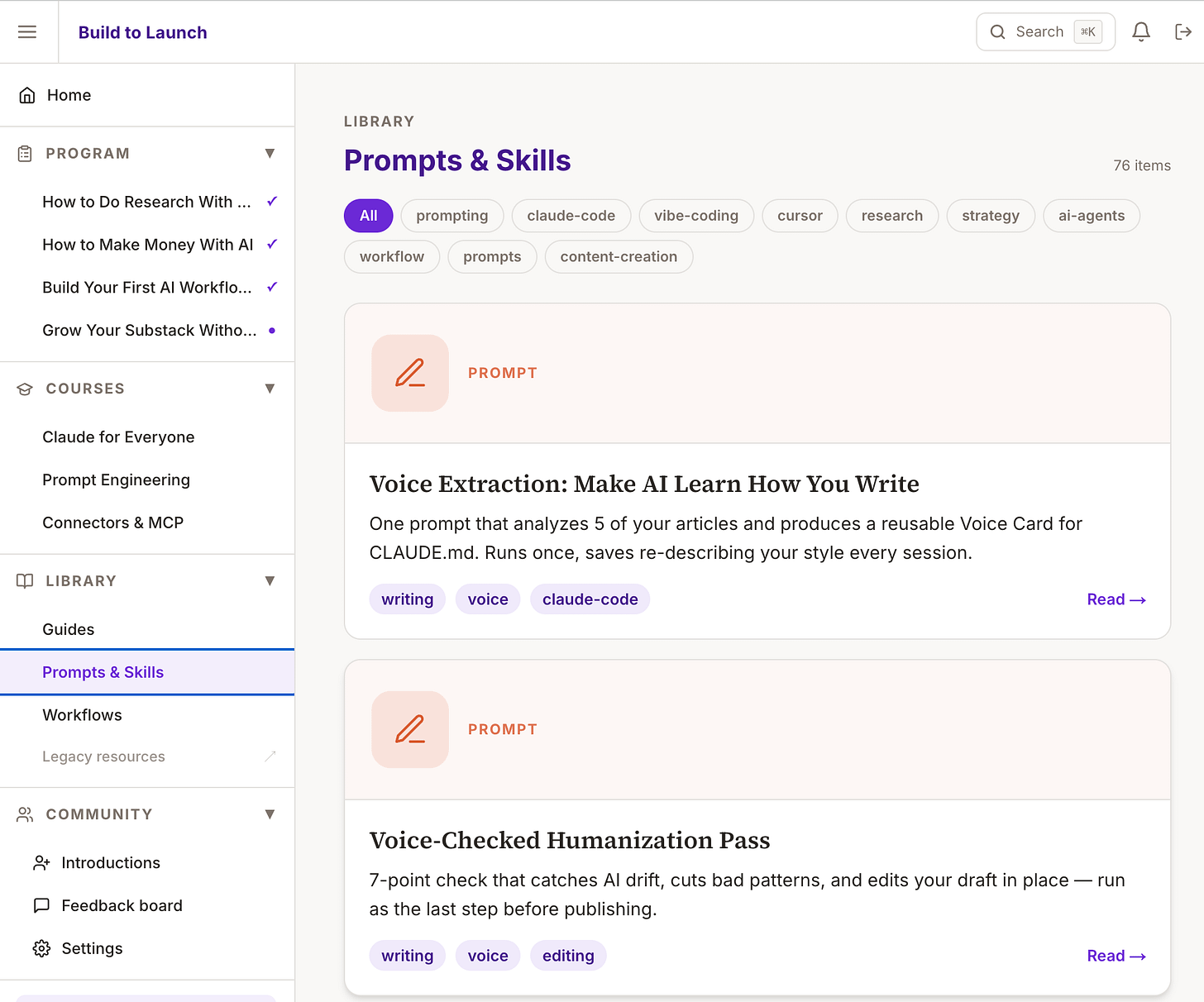
Full access to my AI Lab with 200+ workflows, skills, build kits, interactive tools, and short courses, plus the community portal with MCP, and exclusive discounts.
Sprint access for founding members and premium discount for paid members: a five-day live build sprint every quarter
Direct support from me
Founding members
Everything in Premium
200+ ready-to-use resources
4 self-paced courses across 23 lessons
Member kits and the community feedback feed
What you get
Premium build guides
Each guide walks you through a system already running in my own work, with the settings, prompts, configs, files, and the mistakes I made along the way. You see what it does and the numbers behind it, then you build your version. Recent ones:
An agent that reads 4 inboxes and briefs me every morning
An AI that writes and schedules my posts for the week
A night-shift routine that finishes work while I sleep
The first half of every guide is free to read. The build is for members.
Every quarter: the five-day build sprint
Once a quarter, we spend five days building one thing together inside the Practical AI Builder Program.
Your sprint includes:
A diagnostic when you register
My personal reply to your assessment
Five live sessions, Monday to Friday, with replays
One daily checkpoint so the build moves every day
Seven days after the last session to finish with help
You leave with one real build finished and working.
Direct access
Reply to any premium email with your questions. I answer personally. Bring live questions to the monthly AMA.
Your builder stack
Member portal: Guides, Prompts & Skills, Workflows, and sprint pages
Build to Launch MCP: Call member resources from inside Claude or Cursor
Tools suite: 10 interactive apps for each stage of a build
Companion MCPs: Quick Viral Notes, Substack Explorer, and Crosspost inside Claude or Cursor
Gumroad library: 27 products worth $300+ if purchased individually
Your Gumroad coupon code is inside your premium access.
The inner circle
Annual and founding members get everything above, plus:
166 resources: 76 prompts, 65 guides, and 25 workflows
Claude for Everyone: Go from setup to your first working workflow
Prompt Engineering: One system for steering any AI reliably
Connectors & MCP: Connect Claude to your tools and ship a small server
Member kits: Claim the full files behind a build
Community feed: Post what you shipped and get feedback
Everything transfers
I build with Claude most days because it’s the fastest to set up.
The guides also cover ChatGPT, Cursor, OpenClaw, and Hermes.
What you learn carries across all of them: which system to build and how to evaluate what comes back.
Who this is for
You don’t need a CS degree. You don’t need to be a developer.
You need an idea, enough curiosity to try things when they break, and a bias toward shipping over perfecting.
Premium members include:
9000+ builders and growing.
What others say
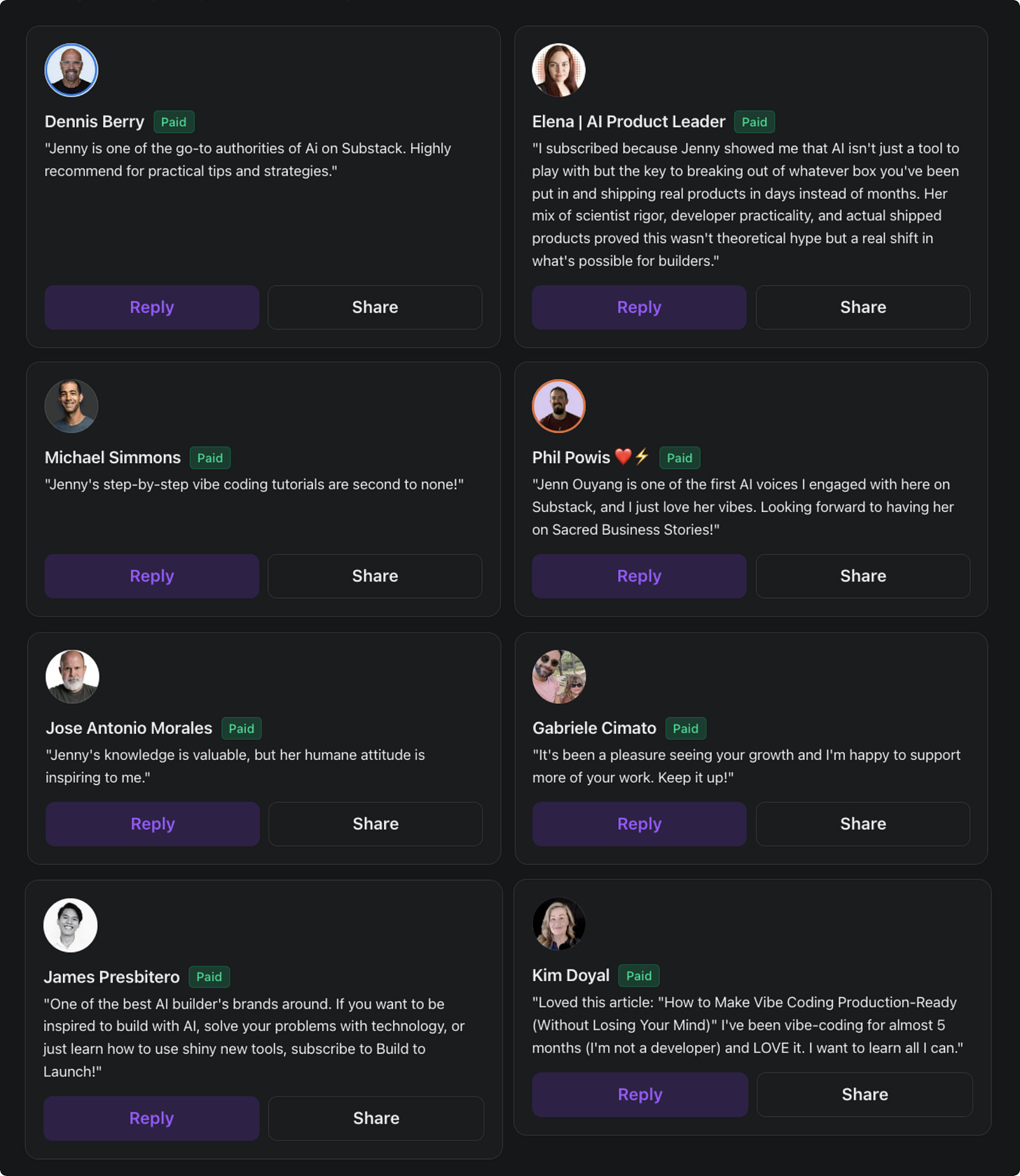
Jenny Ouyang writes with rare clarity about product, tech, and career growth in the age of AI. Her essays are sharp, thoughtful, and filled with hard-earned insights—ideal for anyone navigating the messy middle of building and growing in today’s AI-driven tech landscape.
Fred de Villamil, Lead & Scale, the CTO Playbook
Jenny is the author of cool Substack powercharging apps. Great approach on building and launching fast using AI.
If you want to see how “building in public” looks like, you’re gonna be interested following Jenny’s stories with real projects and insights to speed up your learning curve with AI.
If you’re an entrepreneur eager to turn ideas into AI-powered products, “Build to Launch” can get you started today. Jenny shares both the wins and flops, making this a rare behind-the-scenes look at real-time product development.
There are a lot of writers that will show you how to build the prototype and leave the project, Jenny is the one that will really show you how to take it to production.
Camilo Zambrano, Self Disciplined
I’ve been following Jenny’s work for a while now—and I’m not just a fan, I’m a user. Her insights have genuinely helped me, and I think they could do the same for you. If you’re looking for thoughtful, practical tools to support your growth, her work is well worth checking out.
The math
Premium: $160/year
The Gumroad library: $300+ if purchased individually
Quarterly sprints: $300 each
The guides, courses, resource library, tools suite, and MCPs are included, and every product I put out comes with a premium discount.

The real question
You’ve been reading the free articles. You know the approach works. You’ve seen builders ship through this system.
The question isn’t whether Build to Launch Premium is worth $160/year.
The question is: how much longer do you want to stay in reading mode before you start actually building?
Need company reimbursement? I'm a CPD-verified trainer (verification 789656, verify at thecpdregister.com). Use this reimbursement template.
Questions before upgrading? Reply to any email. I read everything.