When Your AI API Goes Down: 6 Backup Lessons From a Real LLM Outage
6 lessons from a live DeepSeek outage — what breaks when your LLM goes down and how to build a real backup
When your LLM provider goes down mid-day with real users on your app, you find out fast how bad your backup plan is. This is the full account of a live DeepSeek outage hitting Quick Viral Notes — 6 specific things that broke when switching to GPT-3.5 as backup, why Claude and GPT-4o weren’t options either, and what to build before the next outage finds you.
Monday, midday. Bug reports started arriving.
The note generation feature had stopped working. I checked the code — nothing wrong locally. Tested via cURL — no response. Checked DeepSeek’s website — down.
The app was live. Users were mid-session. And I had no real backup.
What followed was an entire evening of trying to make GPT-3.5-turbo work as a substitute, producing results users rejected, and discovering six things about LLM backup strategies that no tutorial had prepared me for.
Hi, I’m Jenny 👋
I build AI systems and teach non-technical people to ship with them. If you’re past the “what is AI” stage and trying to build real things with it, the Practical AI Builder program is where I work with builders directly.
New here? Start with these:
Claude Code Project Ideas: 30 Builds From Beginner to AI Agent
I Tested Claude Code Against 7 AI Coding Tools on the Same Build
What’s inside:
Why token limits matter more in API mode than in the UI: the 8000-vs-4096 gap that broke the long-article prompts immediately
Why API behavior isn’t the same as UI behavior: same model, same prompt — completely different results
How models degrade mid-session under extended use: GPT-3.5’s lazy behavior — shorter notes, same emoji, repetitive outputs
Why cost kills your backup options before you test them: Claude and GPT-4o at over $0.50 per request — not sustainable
Why users won’t accept a downgraded fallback: what happens when users who’ve seen your best see your backup
The one backup rule to build before you need it: why scrambling mid-outage is the worst time to evaluate alternatives
The app
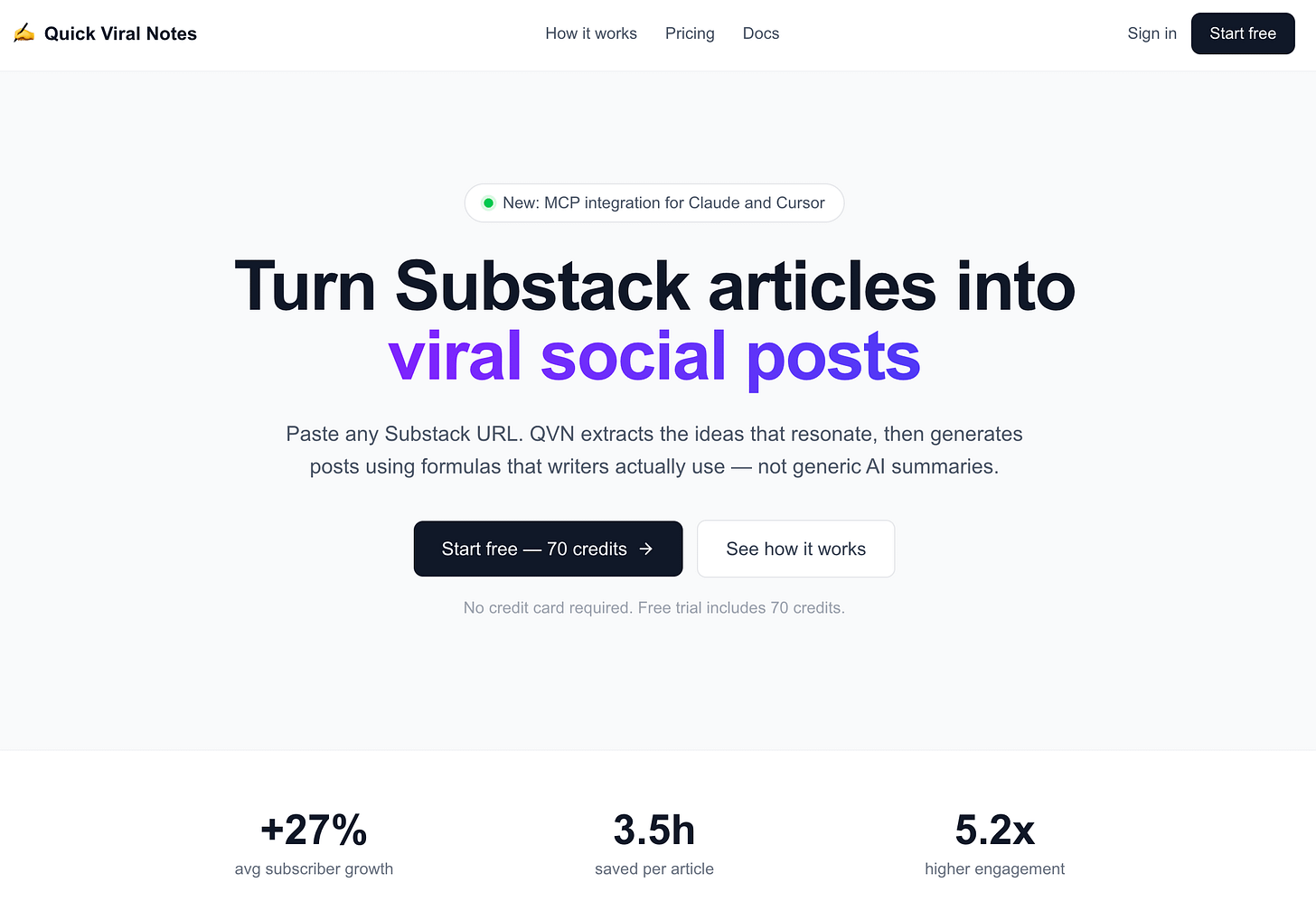
Quick Viral Notes: paste a Substack article URL, get 18 categorized short-form posts back — Provoking, Educational, Entertaining — ready to schedule. The full build is in Build an AI Content Repurposing App With Cursor and Claude Code.
DeepSeek was the primary model. The choice was practical: quality outputs, 8000-token capacity for long articles, and cost-effective per request. OpenAI’s initial results weren’t as strong, and DeepSeek was already delivering without extensive prompt tuning.
What this incident involved
Quick Viral Notes running live with real users
DeepSeek as primary LLM — down Monday midday, no ETA
GPT-3.5-turbo as the attempted backup
An entire evening of prompt tuning that didn’t fix the core problem
Users who had already seen the best version
Lesson 1: API token limits hit harder than UI token limits
DeepSeek’s context window: 8000 tokens. That capacity was why it worked for this app — the prompt included a full article plus detailed generation instructions. Long inputs, long outputs, no truncation.
GPT-3.5-turbo’s API limit: 4096 tokens. Less than half.
The prompt that worked fine with DeepSeek was now hitting the ceiling immediately. I tried breaking the task into smaller chunks — extract key ideas first, then generate notes — but that meant multiple API calls, and each one inherited the same bloated prompt structure.
The token gap isn’t obvious until you’re debugging a live outage at 3pm. The AI Software Engineering Best Practices guide covers context window planning as part of the architecture phase — it’s one of those decisions that looks easy to change later until the outage proves otherwise.
With Claude Code today: Claude Code’s CLAUDE.md is where you document your token requirements up front. When you specify “primary model must support 8000+ token context,” Claude won’t recommend a backup that fails that constraint. The architecture decision gets locked in before the first session, not discovered during a production fire.
Lesson 2: API behavior is not the same as UI behavior
I had tested ChatGPT in the web interface. Results were acceptable. I assumed the API would behave similarly.
Big mistake.
The API and the UI use the same underlying model but apply different defaults. Temperature, system prompt handling, context management — all of it differs. What ChatGPT produces in a conversation is not what GPT-3.5-turbo produces when you hit the API endpoint with the same prompt.
The parameters I adjusted trying to close the gap:
Temperature — no creativity improvement
Max Tokens — no quality change
Top-P, Top-K, Frequency Penalty, Presence Penalty — none of it helped
Adding more instructions made it worse. Changing the system prompt made no difference. The gap wasn’t in the settings — it was in the model’s fundamental API behavior versus UI behavior.
The Complete Guide to Prompting AI Coding Tools has the section on model behavior differences that would have saved me this evening — specifically, how to test a backup model in API mode before you need it, not during an outage.
Lesson 3: Models degrade during extended use in the same session
GPT-3.5-turbo started reasonably. After extended testing in the same session, it started degrading:
Notes got progressively shorter
The same emoji appeared in every single note regardless of content
Outputs became generic and repetitive, with minimal variance between articles
I tried: randomized system roles, diverse formatting templates selected randomly per request, different prompt structures. Nothing stabilized the output quality.
This is model degradation under sustained load — behavior that doesn’t show up in a quick test. You only see it after you’ve been hitting the API for an extended period with similar requests. The results your users get in session three of a long day are different from the results in session one.
For building reliable AI apps, the Vibe Coding Advanced Production Patterns covers session management and request patterns that reduce degradation — how to structure your API calls so quality stays consistent over time.
Lesson 4: Cost per request eliminates most backup options before you test them
Why didn’t I switch to Claude or GPT-4o?
Two reasons:
The output quality still wasn’t as strong as DeepSeek for this specific task
Cost per request exceeded $0.50 — for an app where users generate notes frequently, that’s not sustainable
That $0.50 threshold isn’t an abstract number. It’s the line where your cost structure breaks. If 50 users generate notes daily and each request costs $0.50, that’s $25/day in API costs — before you’ve considered hosting, auth, or anything else. The Build an AI Business as a One-Person Team article covers the cost structure problem specifically: your API costs have to scale with revenue, not ahead of it.
Backup models need to pass a cost test, not just a quality test. If your backup costs 10x your primary per request, it’s not actually a backup — it’s an emergency measure that breaks your unit economics.
With Claude Code today: Before committing to a primary model, run a cost-per-request calculation for your top two or three candidates. Document that in CLAUDE.md. The Claude onboarding guide covers how to structure project context so cost constraints are part of every architectural decision, not discovered during an outage.
Lesson 5: Users remember your best version — a downgrade feels like a failure
DeepSeek’s outputs were genuinely good. Users had already seen them. They knew what the app could do at its best.
When GPT-3.5 produced shorter, blander, more repetitive notes, users noticed immediately. The feedback was direct: the output was worse. Not “different” — worse.
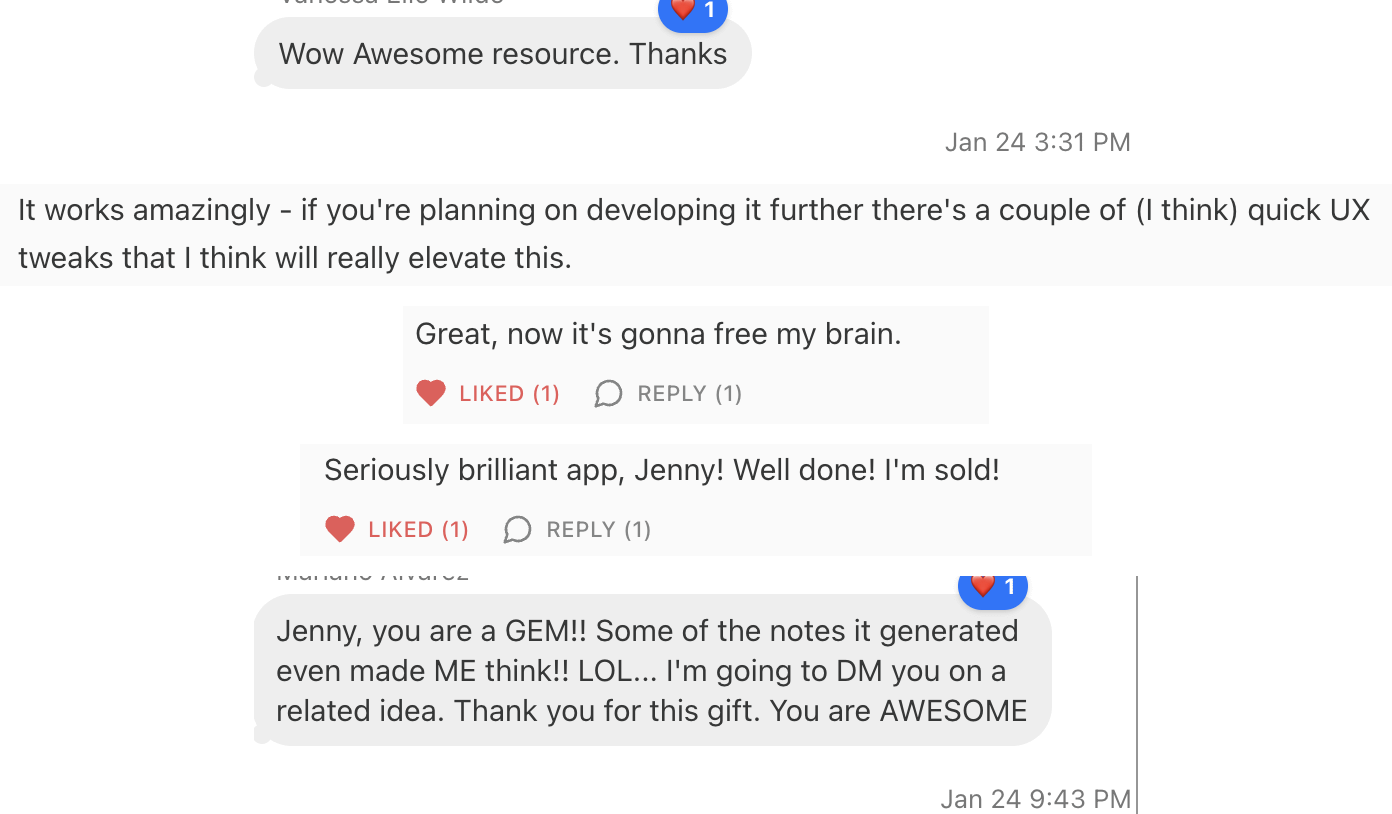
This is a dynamic that’s easy to underestimate. An outage with no service is frustrating. An outage with degraded service is worse — users now have evidence that the product doesn’t always work as advertised. You’ve confirmed their fear rather than just inconvenienced them.
The 7 Things Nobody Warns You About Launching Your First Vibe Coding App covers the user expectation problem from a different angle — once someone uses your product at its best, that becomes the baseline everything else is measured against.
Lesson 6: The backup plan has to be built before the outage, not during it
This is the lesson that contains all the others.
Every discovery from Lessons 1–5 — the token gap, the API behavior difference, the degradation, the cost problem — required time to investigate. Time I didn’t have while users were waiting. The backup evaluation happened in crisis mode, which is the worst possible context for making good architectural decisions.
A real LLM backup strategy has three components, and all three need to exist before the outage:
An alternative model that passes token, quality, and cost tests — in API mode, not UI mode
A fallback prompt tuned for that model specifically, not adapted on the fly
A deployment path that can activate the backup in minutes, not hours
The Vibe Coding Planning Methodology has the pre-build planning framework — the infrastructure decisions that belong in planning, before the first line of code. LLM backup strategy belongs in that phase.
The Smoke Testing Your Vibe Coding Projects guide is where you validate the backup works — run the backup model through the same smoke tests as your primary before launch, not after the first outage.
What I’d Build Differently Today
I built Quick Viral Notes with Cursor in early 2025. Three things would change today:
1. Multi-model testing before launch, not after outage. Every backup candidate needs to pass token, quality, and cost tests in API mode before the app goes live. With Claude Code, I’d add this as a step in the Smoke Testing pass: run each backup model through the same core prompts, compare outputs, document the results. That data lives in CLAUDE.md so it’s available immediately when a primary provider goes down.
2. Fallback logic in the code from day one. The switch from DeepSeek to GPT required code changes under pressure. The right architecture is a provider abstraction layer — the app calls generate_notes(provider=”primary”) and the fallback chain is config, not code. The AI Software Engineering Best Practices covers this pattern: write provider-agnostic code from the start, so switching costs nothing at runtime.
3. Cost constraints in the architecture doc. The $0.50/request finding should have been in the planning phase, not discovered during an outage. Before selecting any model, calculate cost per request at 50 daily users and 500 daily users. If the backup crosses your threshold at either scale, it’s not actually a backup.
What hasn’t changed: the fundamental rule. Single-provider dependence is a single point of failure. The model that’s best today — DeepSeek, Claude, GPT, whatever comes next — will have an outage. The backup plan is not optional infrastructure.
The One Thing That Stuck
AI won’t be a monopoly. That was the prediction I made during the outage, and it’s held up.
The future of AI is a multi-model world — several major LLMs competing, each better at specific tasks, each with its own uptime record. That’s not a risk to manage. It’s the architecture to build for. Your app shouldn’t be married to one provider. It should be designed to swap providers the way you’d swap a database connection — at the config level, not the code level.
Building for provider portability from the start is the lesson. If you want to understand how that plays out across the full build, How to Build an AI App From Zero to Launch covers the infrastructure decisions that compound over the life of a project — LLM strategy is one of the decisions that’s cheap to get right early and expensive to fix later.
Go Deeper
What Happens After You Launch Your First AI App: 7 Real Post-Launch Lessons — the companion article: everything that happens the week after launch, including how API reliability failures look to real users and what the feedback loop actually sounds like.
Smoke Testing Your Vibe Coding Projects — the pre-launch validation pass where backup model testing belongs. Run this before you go live, including the fallback — so the outage is an inconvenience, not a disaster.
AI Software Engineering Best Practices for Builders — the provider-agnostic architecture patterns that make backup switching a config change instead of a code change. This is the technical foundation for everything Lesson 6 describes.
— Jenny