How I Built a Local Business Finder for Any City and Niche
The AI workflow that automatically scans public listings, ranks visible online gaps, and turns one scan into three service offers you can test.
The internet has made working online and remotely easier than ever.
But small businesses still make up a huge part of working life.
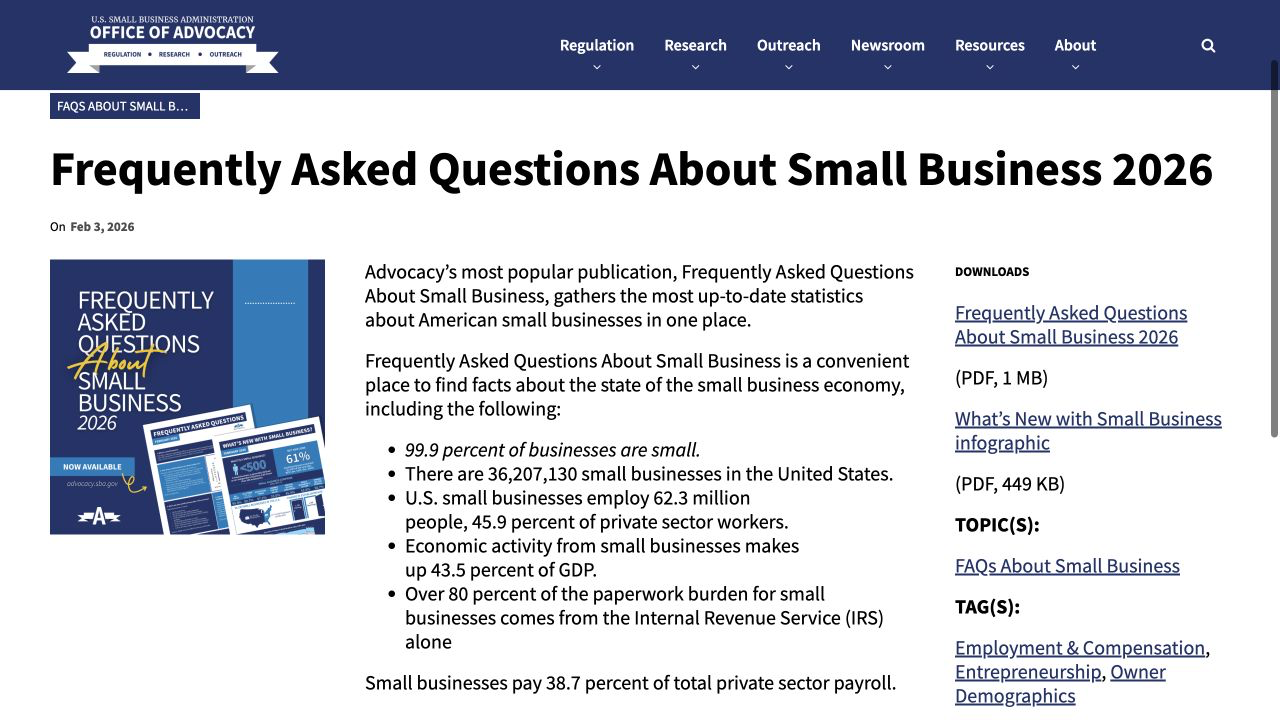
The SBA’s February 2026 summary counts 36.2 million of them, employing 62.3 million people, or 45.9% of private-sector workers. Together, they produce 43.5% of U.S. GDP.
They can be easy to overlook when most of your attention stays online.
Just a few weeks ago, a teenage friend of mine built a website for a local restaurant and charged $500 for it. One useful project was sitting right there in his own portfolio.
As I relocated from New England to California earlier this year. The move opened a much larger set of questions.
Which local services could I trust?
Which business owners could I connect with?
Which events and communities could help me understand the place around me?
Researchers describe some cafes, markets, salons, and other local businesses as “third places”: social infrastructure where people form informal connections outside home and work.
Whether you have lived somewhere for years or arrived last week, local businesses shape how you find trusted help, relationships, work, and places you want to return to.
So I began with one route I could test: finding businesses with visible online gaps. I scanned 40 Austin landscapers. Ten had no real website. One had 4.9 stars from 19 reviews.
This article will show how I turned that scan into a ranked local opportunity board. Then map how the same local data can lead to website projects, service ideas, connections, events, and other opportunities you can explore in your own city.

What Local Business Research Revealed About the Opportunities Nearby
“Build a website for a local business” sounds simple. But it leaves out the decision that stops most people:
Which business is worth investigating?
I chose one signal I could verify from public listings: a business with visible customer demand and no website of its own.
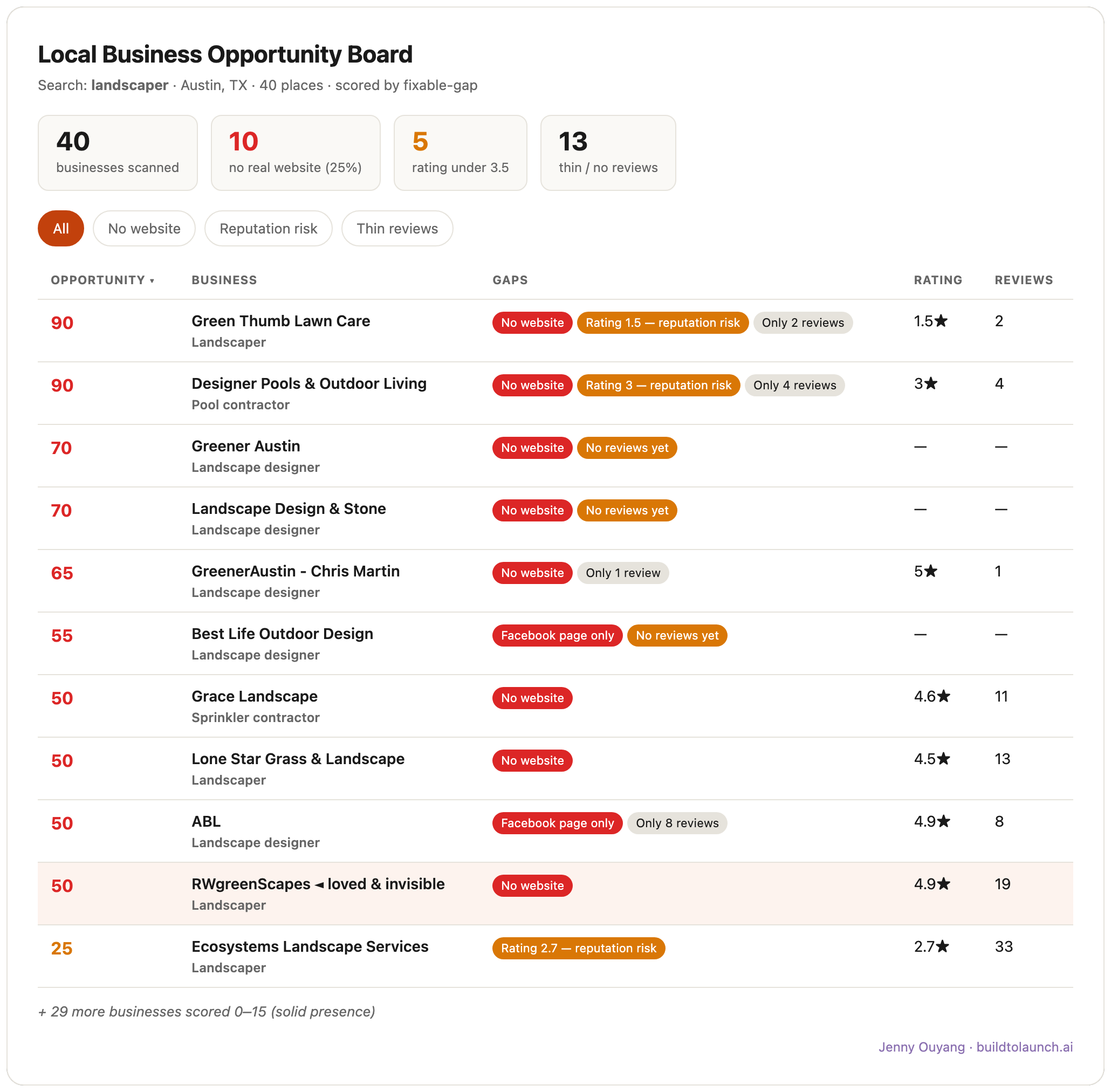
That business became one clear candidate to inspect before I spent time building anything. The board gave me a starting point. Inspection, outreach, and a conversation with the owner would determine whether it became paid work.
A manual search works when you need to inspect one business once. The finder becomes useful when you want to repeat the search across categories or cities and carry every result through the same route.
One scan can lead to website projects, AI services, ranked market research, useful local connections, events, and ideas tied to your own interests.
Next, we’ll go through the runnable automation step-by-step, following:
the downloadable starter pack that AI operates for you
the exact master prompt for the complete run and the prompts for every implementation stage
the pre-requisite setup, and the cost that matters to you
the raw data shape, ranked board, website audit, and finished private landing-page concept
and three service offers to test and the prompt for opportunity-mapping
What you need to run the scanner
First, download the scanner kit. It contains the board builder, sample data, both prompts, and a local website example.
This article continues for members
Join Build to Launch to read the full article, access all cohort content, and connect with other AI builders.