Everything I've Built With AI: Apps, MCPs, and Working Systems
A living portfolio of public apps, member tools, private systems, and retired experiments, with the build story and current status of each one.
Last updated: August 2026
The cleanest answer to “what have you actually built?” is this page.
Everything below is built since January, 2025. Public ones are linked, paid ones are marked, retired ones stay listed because they’re part of the story, and the internal ones are here so the picture is honest. If you only want to know what you can use today, jump to the first two sections. If you want the full picture, keep scrolling.
Hi, I’m Jenny 👋.
I build AI systems and write about what happens when they run. Not what’s possible. What actually works, and what breaks.
This is the Products Hub, other hubs you might also enjoy:
Claude Hub · Vibe Coding · AI Agents · Substack Growth

What’s inside:
Substack growth tools and MCPs for newsletter writers: five workflows for newsletter writers, each with a public web app and a paired Claude MCP, plus a standalone MCP for retrieving paywalled work
AI builder tools and developer utilities: three tools for people building with AI: a 10-app interactive suite, a community directory, and a multi-account Gmail MCP
Personal site, accessibility, and consumer utility apps: my personal site with semantic search, plus two consumer apps I shipped because the existing options were either expensive or broken
Do I take on custom AI builds? (Unpromptable, cofounded): one example of a custom build I’m part of, scoped specifically to n8n automation for founder-led service businesses
What products have I retired (and what each one taught me)?: two shipped products that taught me 90% of building isn’t coding
Internal tools I built for myself and my family: two private tools I run that aren’t for sale, listed for transparency
Substack growth tools and MCPs for newsletter writers
If you write on Substack, or want to, these are the five workflows I’ve built around the platform. Each follows the same shape: a hosted web app for the casual user, plus a Claude or Cursor MCP for power users who already live in their AI tools.
I built each because I needed it for my own newsletter first. Every one shipped to my workflow before it shipped to anyone else.
One note on pricing. The web apps are free trials with paid plans. The companion MCPs are bundled with the paid web app plan, or you get storage + MCP free with a paid Build to Launch subscription. The cleanest way to use the whole stack is the BTL subscription. The cards below stay quiet on that since the badges show the same thing each time.
I wrote about how to make the most of these tools in the article: how to grow your Substack with limited time and zero social energy
1\. Quick Viral Notes + Substack Notes MCP
Free trial → paid plans · MCP bundled with paid plan (free for BTL paid subscribers)
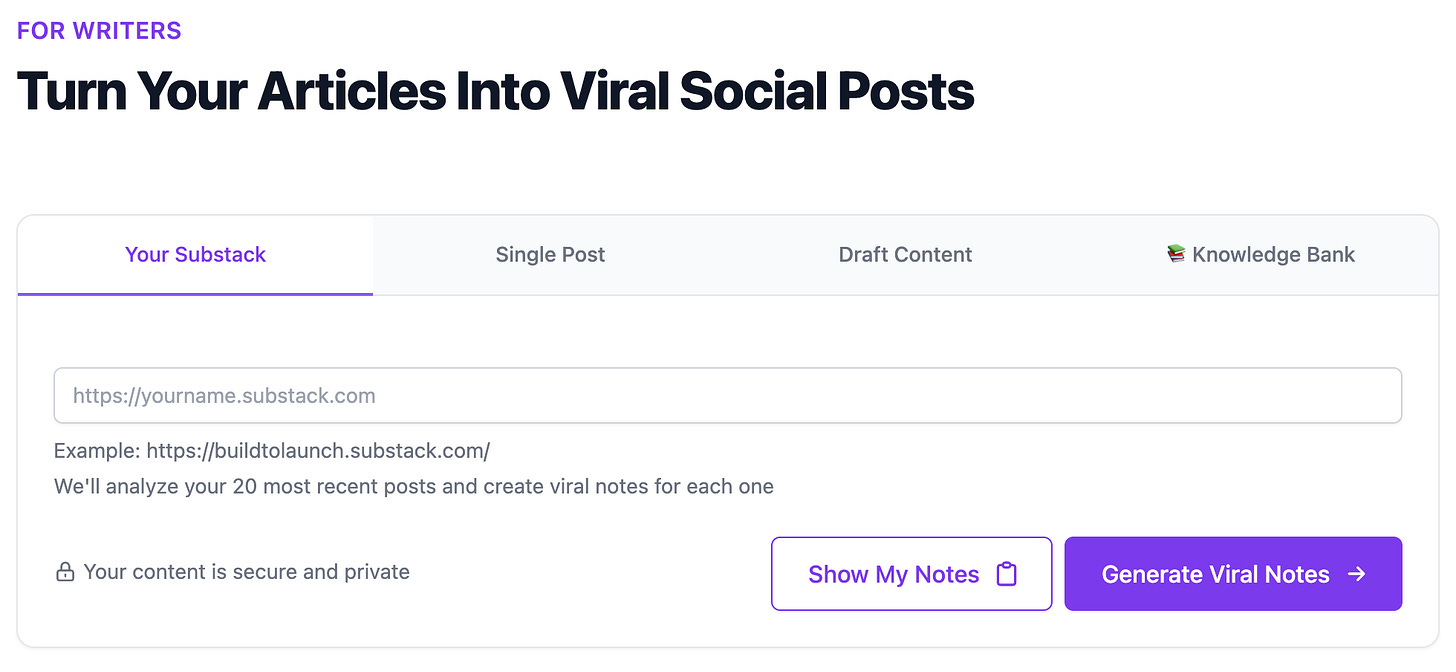
Turn any article (yours or anyone else’s) into Substack notes that are scheduled, formatted, and ready to post. Same engine works two ways: open the web app and paste a URL, or call it from Claude inside your existing AI workflow.
How it works:
Article → notes pipeline. Paste an article URL, get back 5 to 10 note variants in Substack-safe HTML.
Schedule into the queue. Pick times, drop into the database, the system handles the 2-hour spacing rule.
Knowledge bank search. Pull from your own past notes to find which formats already worked.
MCP companion for power users. Same engine, called from Claude or Cursor. Generate notes from a research session without leaving your IDE.
2\. Substack Explorer + Substack Newsletter MCP
Free trial → paid plans · MCP bundled with paid plan (free for BTL paid subscribers)
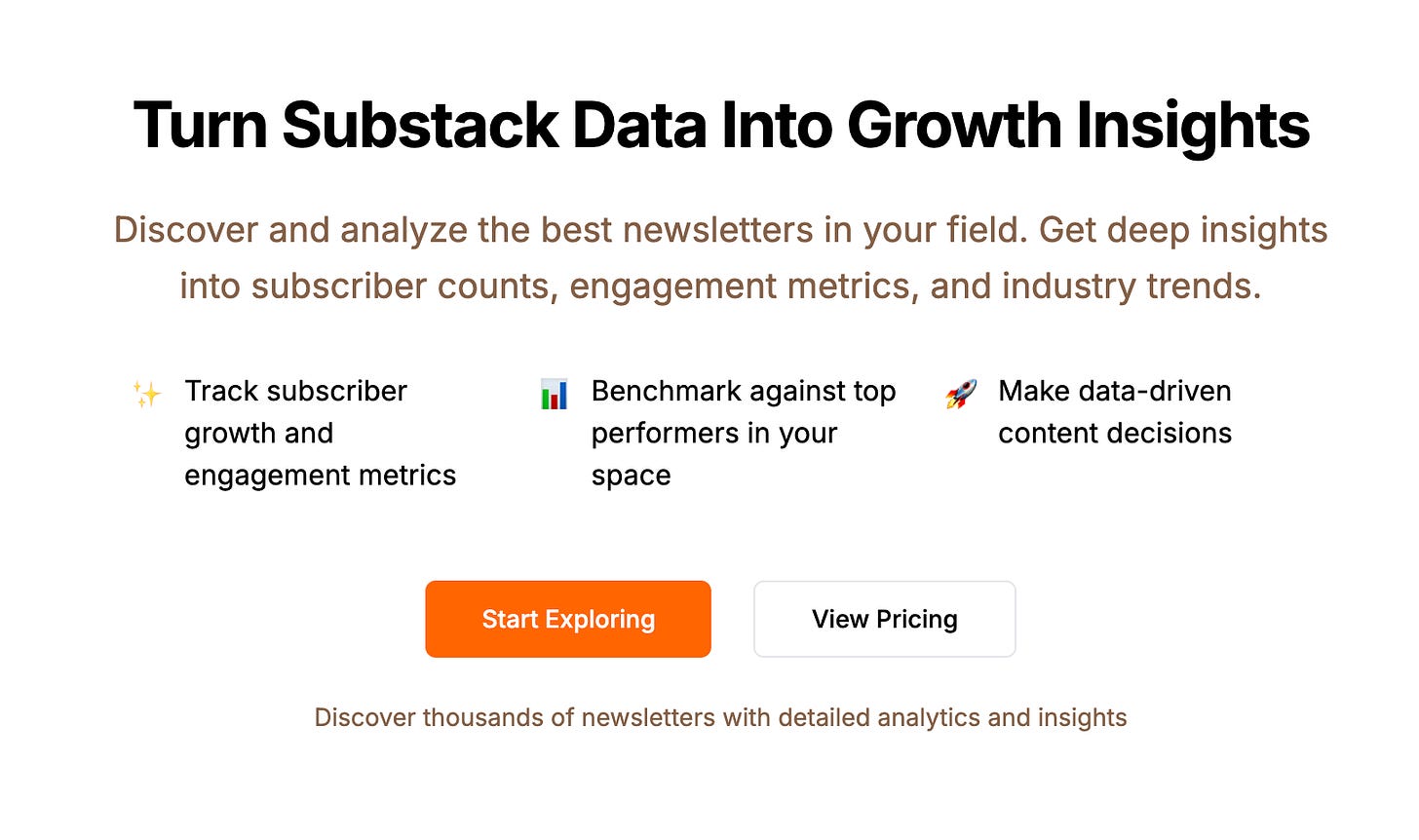
Research Substack newsletters at scale. Pull post histories, study what’s working in your niche, find the patterns top writers actually use. The MCP version makes the same data available from inside Claude. Useful when you’re researching a topic and want to know what’s already been said.
How it works:
Newsletter discovery. Search by topic, niche, or writer name.
Post-level analytics. See what each newsletter has published, sorted by performance.
Pattern extraction. Find the headline shapes, opening moves, and topics driving engagement.
MCP for research workflows. Pull the same data into Claude when you’re brainstorming or outlining.
3\. Postingly + Crosspost MCP
Free trial → paid plans · MCP bundled with paid plan (free for BTL paid subscribers)
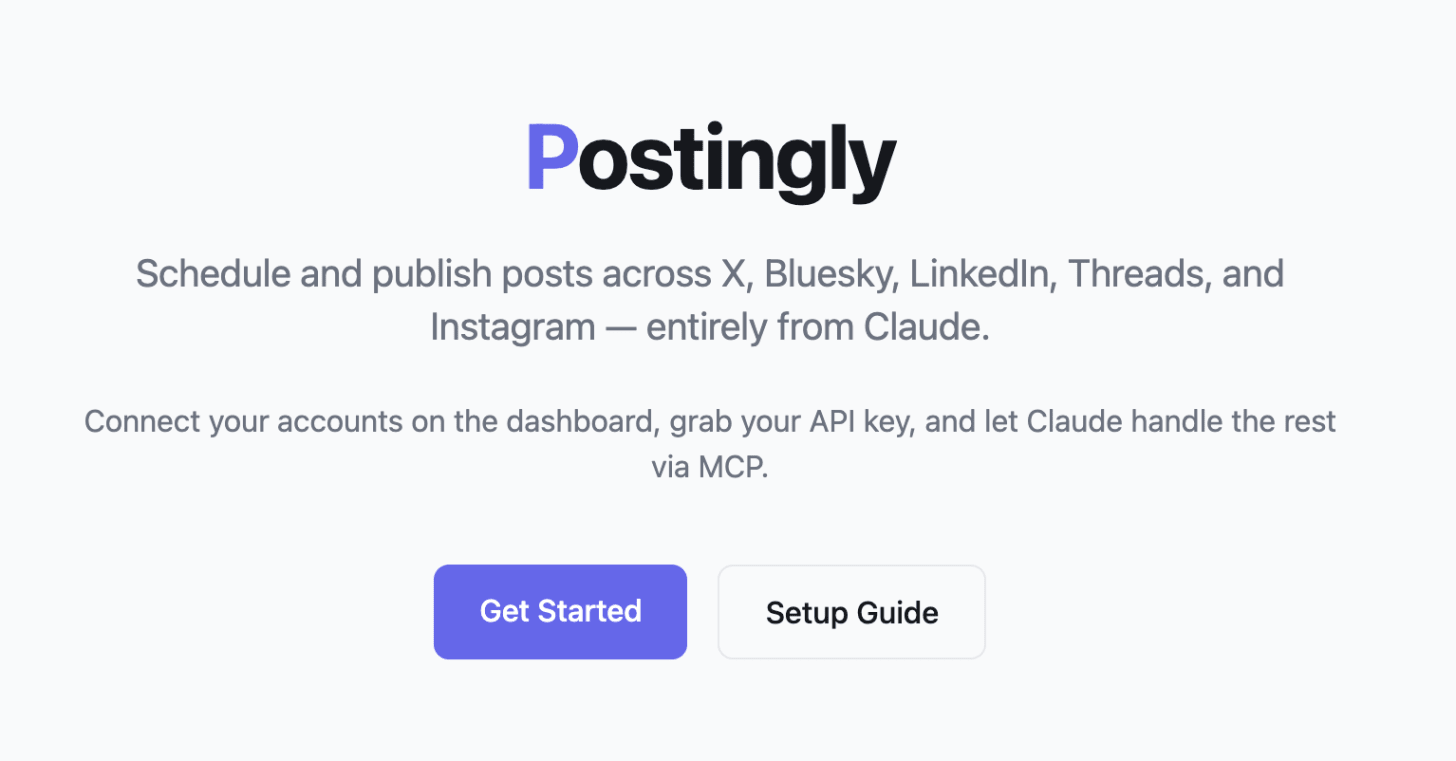
One post, every platform. Write once, publish to Bluesky, LinkedIn, and Threads at the same time. The MCP version puts the same flow inside Claude, so you can publish from a chat session without copy-pasting four times.
How it works:
Multi-platform publish. Compose once, push to Bluesky, LinkedIn, Threads in one click.
Per-platform formatting. Each post adapts to platform character limits and formatting rules.
Schedule or publish now. Queue ahead, or push immediately.
MCP for AI-native workflows. Trigger the cross-post from Claude when you finish drafting.
4\. resources.buildtolaunch.ai + Build to Launch MCP
Available with paid Build to Launch subscription
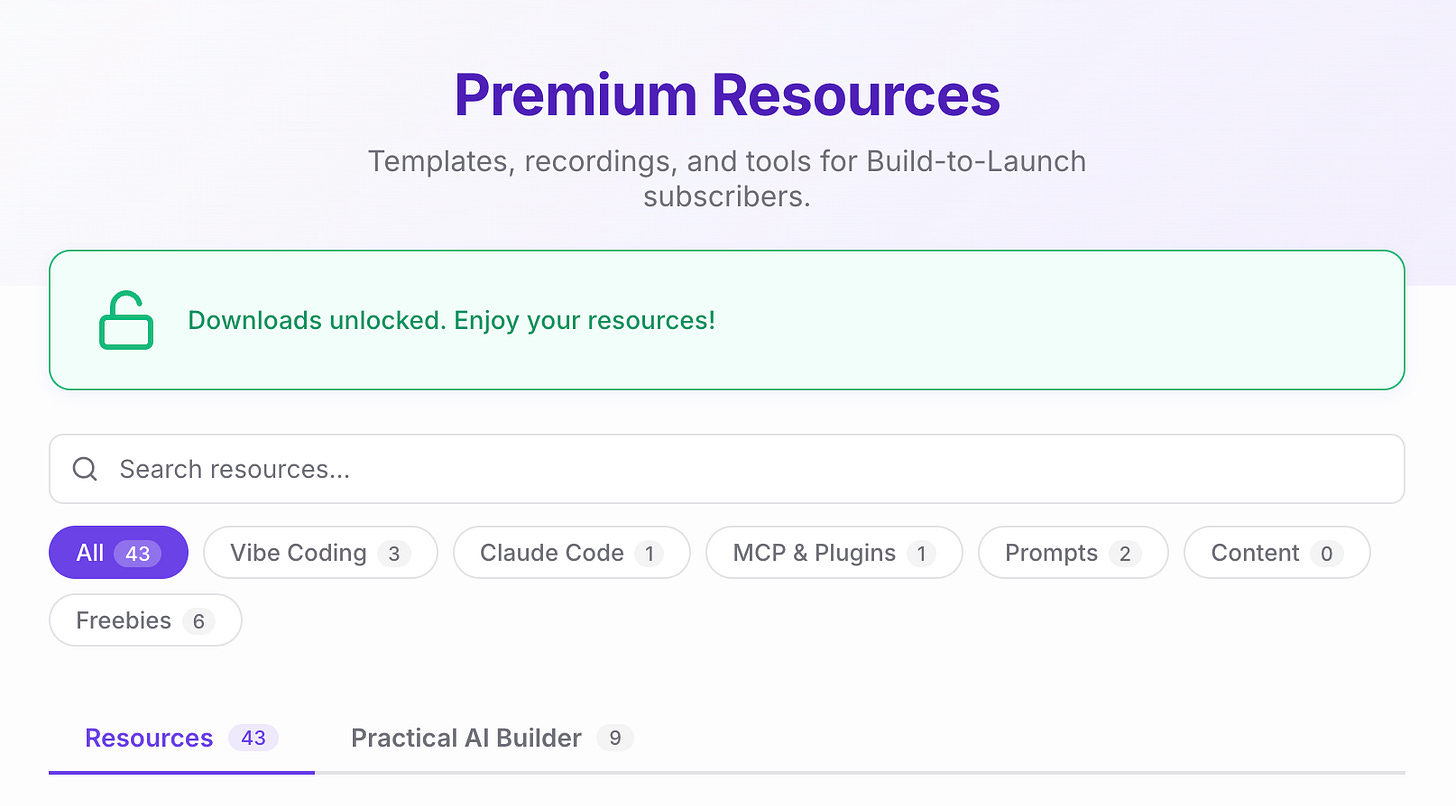
The full prompt and skill library that powers everything I write about. Hosted as a website you can browse, and as a Claude MCP you can install. Same library, two surfaces. Paid subscribers get both.
How it works:
Prompt and skill library. Every workflow I publish about (research, outlines, Substack growth, MCPs) packaged for reuse.
Two ways to use it. Browse on the web, or install the MCP and call skills directly from Claude.
Updated as I publish. New articles ship new skills. The library grows with the newsletter.
Paid subscriber access. Included in every Build to Launch paid subscription.
5\. Substack Article MCP
Free, install via npm
Standalone MCP. No companion web app.
The MCP that retrieves your own paywalled Substack articles, including ones you’ve subscribed to elsewhere. Useful when you want Claude to read a paywalled article you have access to but can’t easily copy out of the browser.
How it works:
Pull your own subscriptions. Authenticate with your Substack account, retrieve any article you’ve paid for.
Bring paywalled content into Claude. Read, summarize, cross-reference inside your AI workflow.
Lightweight install. Single npm package, no hosting required.
Open access. Not gated to BTL paid.
Read more about the Substack Article MCP →
AI builder tools and developer utilities
Three tools for people building with AI. A 10-app interactive suite gated to paid Build to Launch subscribers, a free community directory, and a multi-account Gmail MCP.
Different audiences inside the builder world, same origin: I built each because I needed it.
tools.buildtolaunch.ai
Free with paid Build to Launch subscription
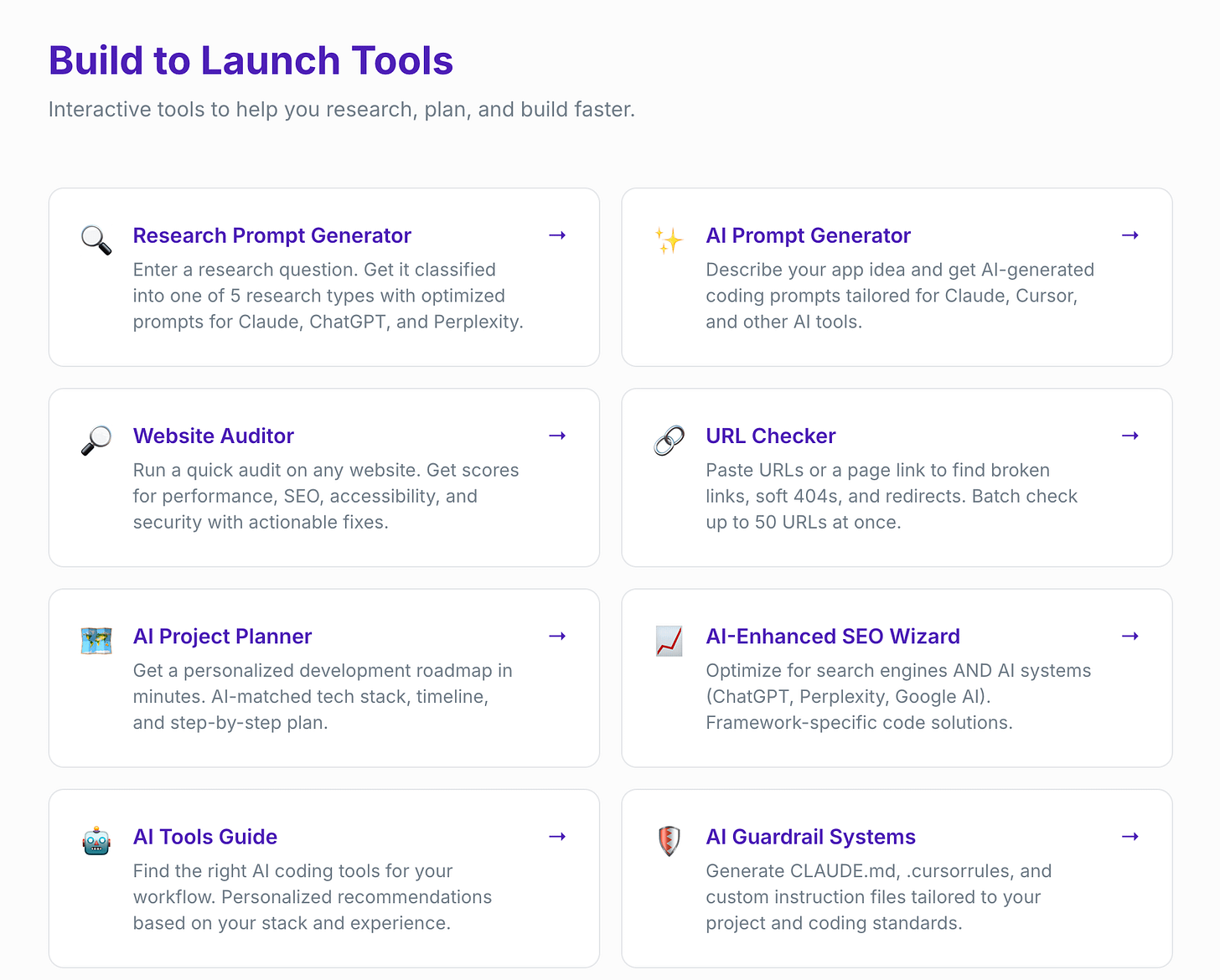
A suite of 10 interactive web apps for builders: research, planning, auditing, writing. Different from resources.buildtolaunch.ai (which is a prompt and skill library). These are apps you use in the browser. Same paid subscription unlocks both.
What’s inside:
Research Prompt Generator. Classifies your question into one of 5 research types, returns optimized prompts for Claude, ChatGPT, Perplexity.
AI Prompt Generator. Describe an app idea, get coding prompts tailored for Claude, Cursor.
Website Auditor + URL Checker. Performance, SEO, accessibility scores. Batch-check up to 50 URLs for broken links and 404s.
AI Project Planner. Personalized roadmap, tech stack recommendations, step-by-step plan.
AI-Enhanced SEO Wizard. Optimize for Google AND ChatGPT, Perplexity, Google AI.
AI Tools Guide. Personalized AI coding tool recommendations.
AI Guardrail Systems. Generates CLAUDE.md, .cursorrules, custom instruction files.
AI Pricing Calculator. Price your AI tool by value and ROI, with sales scripts.
Draft Editor. Markdown editor, live split-pane preview, auto-save, one-click export.
Vibe Coding Builders
Free for all
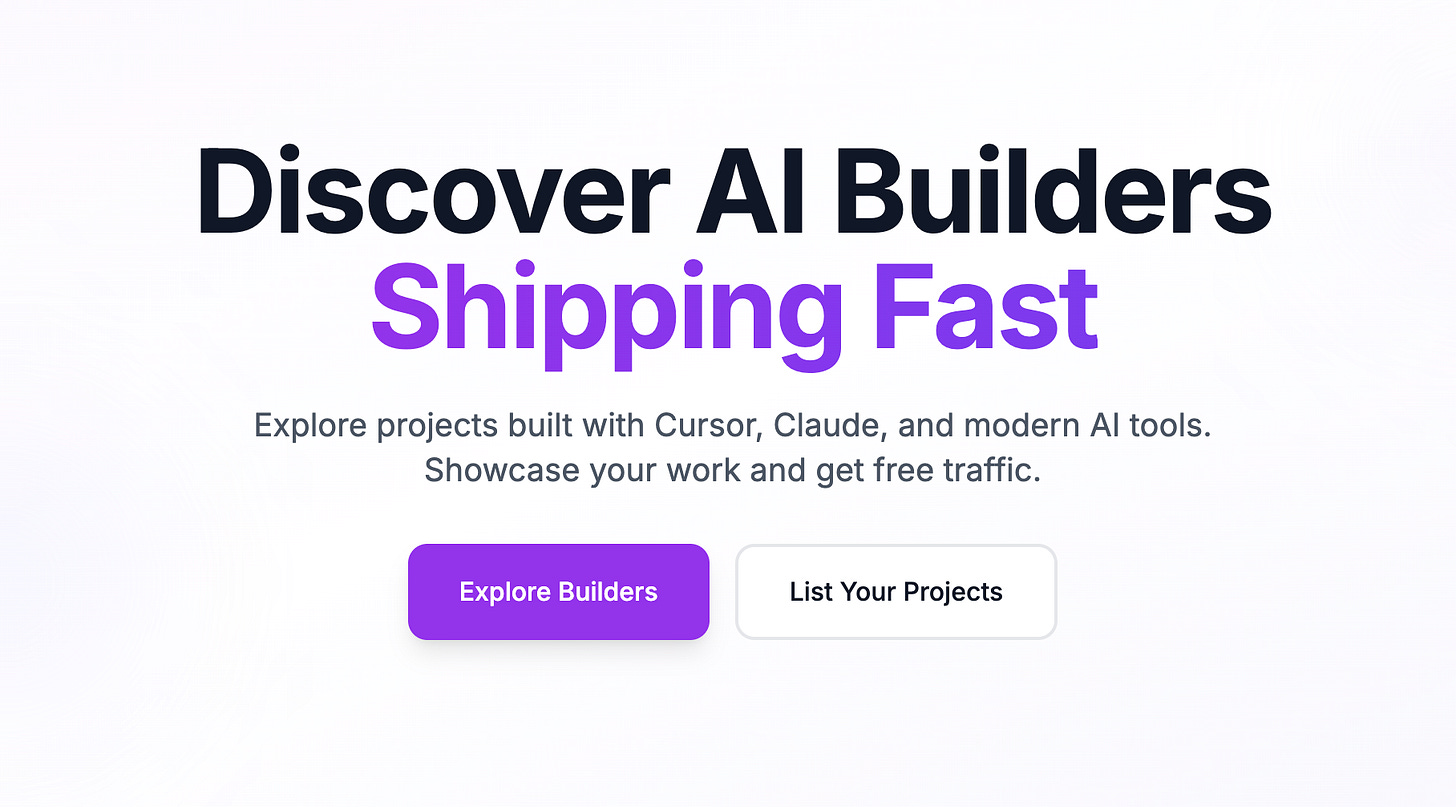
A community directory of people building with AI assistants: Cursor, Claude Code, Replit, Lovable. Find other builders, see what they’re shipping, link out to their work.
How it works:
Builder profiles. What people are building, what tools they use, where to find them.
Filterable by tool, niche, stage. Surface builders relevant to your own project.
Add yourself. Free submission. The directory grows with the community.
Companion to the Vibe Coding hub. The hub teaches the practice; this directory shows who’s doing it.
Gmail MCP (Multi-Account)
Free, install via npm
Standalone MCP for multi-account Gmail in Claude.
Run multiple Gmail accounts inside one Claude session. The official Gmail MCP supports one account; this one handles four (or more) without session bleed, with clean credential isolation.
How it works:
Multi-account support out of the box. Personal, business, newsletter, payments. All in one Claude session.
One Cloud project, isolated credentials. Set up once, no per-account auth dance.
Built for real workflows. Receipt extraction, inbox triage, subscriber surge detection across multiple accounts at once.
Free open-source install. Single npm package.
Read the Gmail MCP build story →
Personal site, accessibility, and consumer utility apps
Three things that don’t fit a builder workflow. My personal site (semantic search across everything I’ve written), an accessibility tool I built when I needed it, and a deal-tracking app that runs in the background.
Different audiences, same origin pattern: I needed each one and the existing options were either expensive or broken.
jennyouyang.ai
Free for all
My personal site, with a RAG-powered semantic search across everything I’ve written. Ask a question in natural language, get the relevant paragraph from the relevant article. Migrated from jennyouyang.dev.
How it works:
Semantic search across all my articles. Type a question, get the relevant passage, not a page of links.
RAG-powered. Built on top of an embeddings index of every published piece.
Open access. No login, no paywall.
Where to find me directly. This is also the door if you want to work with me one-on-one. Questions, feedback, the occasional collaboration.
Color Vision Enhancer
Free for all
An accessibility tool for people with color vision differences. Adjust how colors are rendered on a webpage so the contrast and distinction work for your specific vision type.

How it works:
Real-time color remapping. Pick your vision type, the tool adjusts page colors to compensate.
Browser-based, no install. Works on any page through the web interface.
Free, open access. Built because the tools that already existed were either expensive or broken.
A small tool with a clear job. No upsell, no signup.
MyDealHunter (Dealist)
Free for all
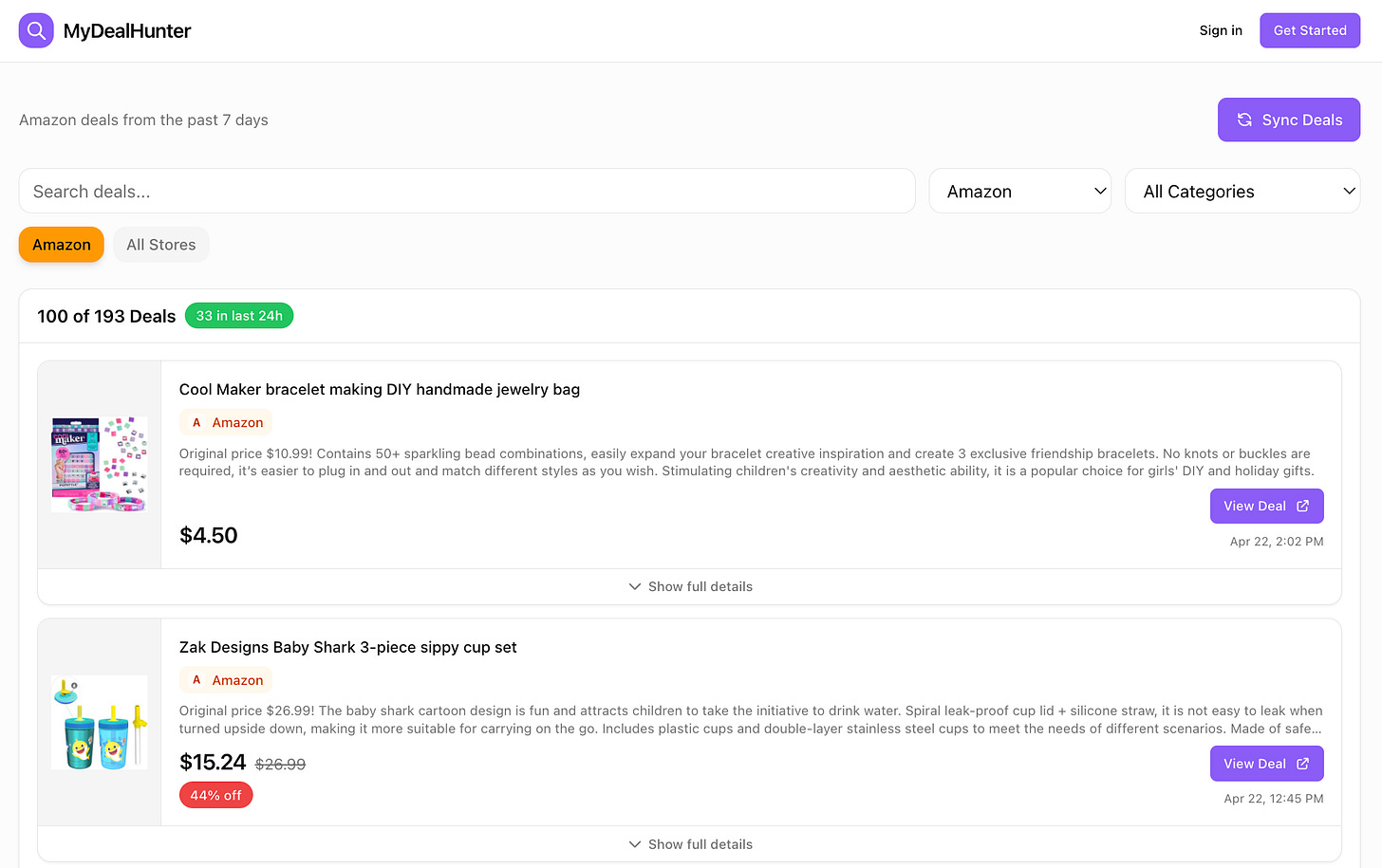
Automated deal finding across the products you care about. Set what you’re watching, the system tracks prices and surfaces drops without you opening 12 tabs.
How it works:
Set your watchlist. Products, categories, price thresholds.
Automated price tracking. The system pulls listings on a schedule, no manual checking.
Surface real drops, not noise. Filters out fake-discount baseline games.
Free dashboard access. Sign up, set watch items, get notified.
Read the dealist build story →
Do I take on custom AI builds? (Unpromptable, cofounded with James)
Yes, sometimes. Unpromptable is one example, listed below: a service I cofounded with , scoped specifically to n8n-based automation systems for founder-led, mission-driven service businesses. n8n is its lane. That’s the productized version, with three set offerings and a clear client profile.
If that’s the kind of build you want to customize, reach out via jennyouyang.ai.
Unpromptable
Service · cofounded with James · n8n-based automation systems
A separate service I cofounded with James, building custom AI-powered automation systems on n8n for founder-led, mission-driven service businesses. Three productized offerings, designed to make a service business defensible in the AI era. Defensible by design. Speed is a side effect.
What we build:
AI-powered diagnostic forms. Custom assessments that qualify leads, deliver branded reports, and book meetings. One client saw 40% higher conversion rates.
Automated content ecosystems. AI trained on how you create: your voice, your platforms, your skill level. Saves 15+ hours a week without flattening your presence.
24/7 AI sales assistants. Cold outreach, follow-ups, lead nurture, full pipeline visibility. Reclaims 30 to 50% of inbound leads typically lost.
Done with you, not for you. You own everything we build. Full handoff, full training. No black box.
Project range. Most builds $5,000 to $15,000, scoped after a free strategy diagnostic. 6 clients per quarter, waitlist-based.
Take the free AI Readiness Diagnostic →
What products have I retired (and what each one taught me)?
Two products that worked, taught me something, and stopped earning their place in the maintenance budget. Listed because the lesson is the point.
**Image Finder** _(retired)_
findinfolder.online. Natural-language search across local image folders. The first thing I shipped, and the one that taught me 90% of launching a product isn’t writing code. It’s auth, payments, hosting, support, and the fact that nobody finds you unless you also know how to write about it.
Paused, but kept up so the lesson stays visible.
**Life Pivot** _(being retired)_
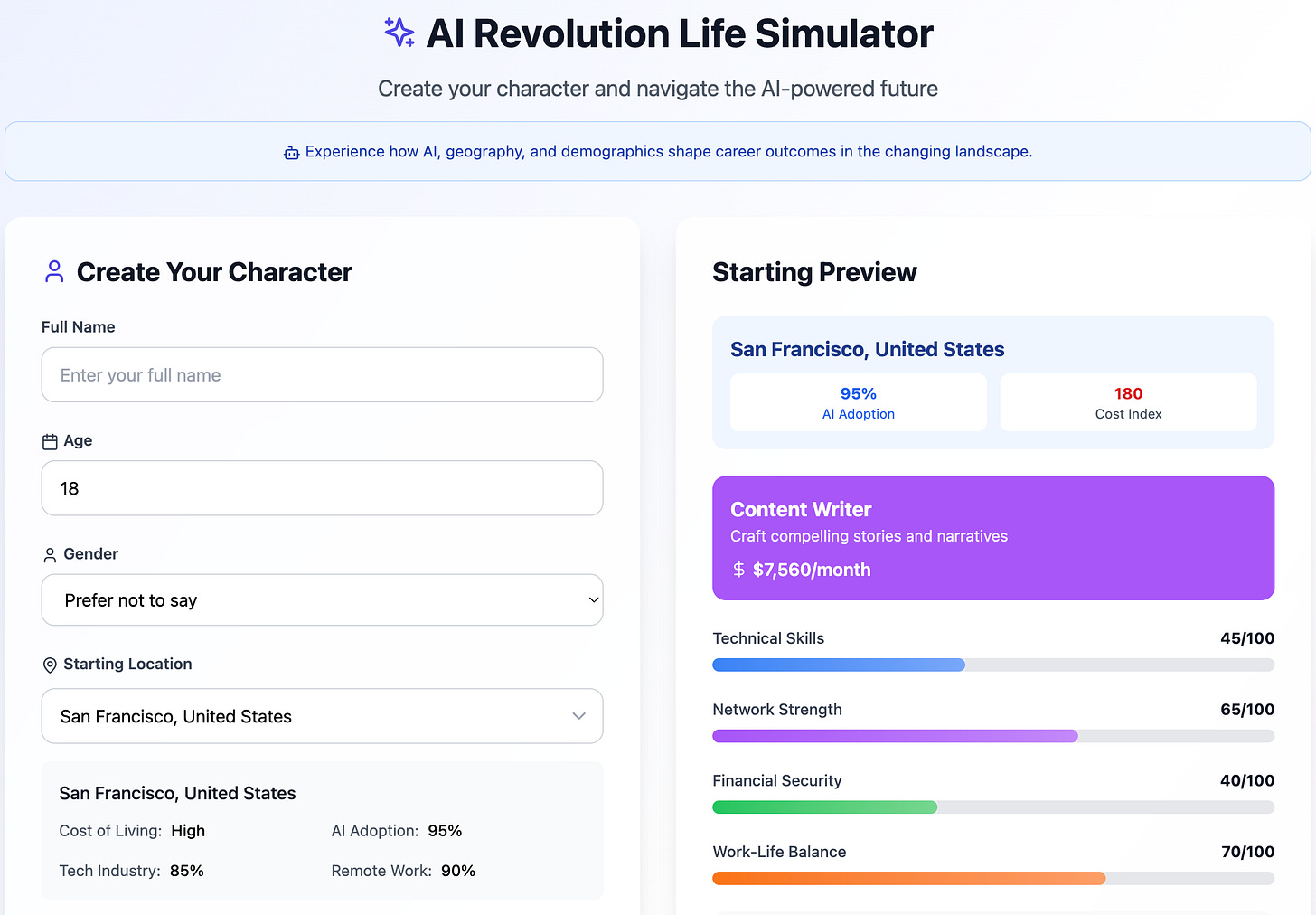
lifepivot.site. An AI Revolution life simulator: walk through career and life pivot scenarios with an AI guide. Worked, but didn’t compound, and didn’t earn its place in the maintenance budget.
Sunsetting in the next cycle.
Internal tools I built for myself and my family
Two tools I built for me and my family. Not public. Not for sale. Listed so the picture of what gets built is honest.
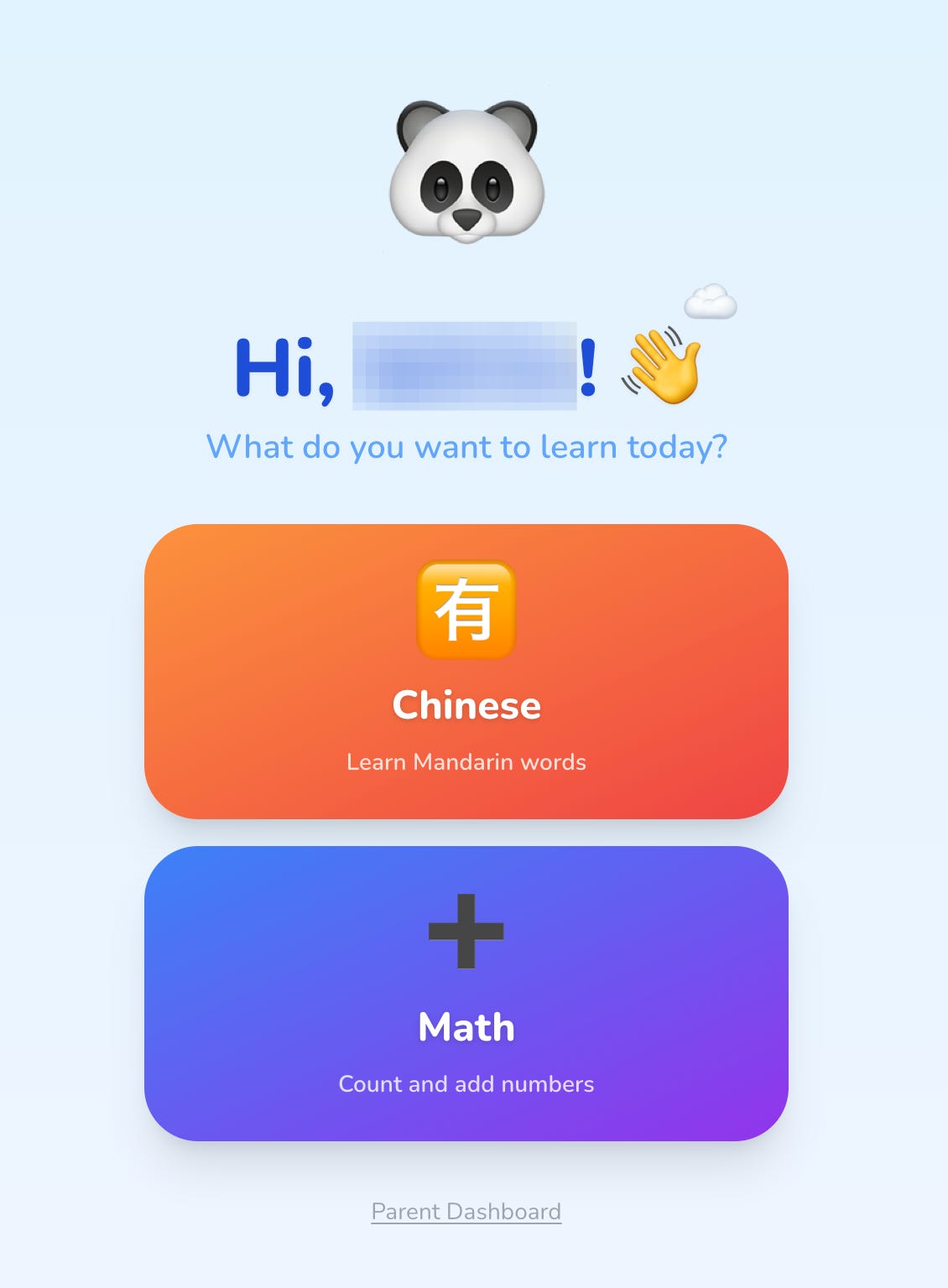
**Kids Duolingo** _(internal)_
A private language-learning app I built for my kids. Same shape as Duolingo, narrowed to the languages and games my family uses.
Not distributed. Mentioned because it’s one of the most-used things I’ve ever built.
**ai-agent-memory MCP** _(internal)_
A persistent memory layer that runs across every Claude session I open. Personal use only. It remembers context, projects, decisions, and recent threads so I don’t repeat myself.
Not in the public MCP collection because the value is heavily tied to my specific setup. Listed because it’s the single MCP I’d be most lost without.
What makes this hub different
Who is this for?
If you’ve been reading my work and wondered what else I’ve built, this is the answer. Founders sizing up the BTL paid subscription. Subscribers who saw one tool and want to know if there are more. People weighing whether to hire me through Unpromptable. Builders studying what a one-person product portfolio looks like, retired projects and family tools included.
How is this different from a Gumroad page or a portfolio site?
Most product pages show only what’s selling right now. This one shows the full shape: what’s free, what’s paid, what’s bundled with a subscription, what’s a service, what’s been retired, and what’s running privately for my family. The honest picture, not a curated highlight reel. The version I’d want to see if I were the reader.
How often is this hub updated?
Every time I ship something new (usually monthly), and every time something gets retired. The “Last updated” line at the top tracks the most recent change. As of August 2026, there are 16 items across 6 categories.
This is the running list of every system I’ve built, shipped, or retired since starting Build to Launch. Each one started because I needed it. Some grew into products other people use. Some stayed mine. Both belong on the page.